
Our news
Tips to increase your computer's speed
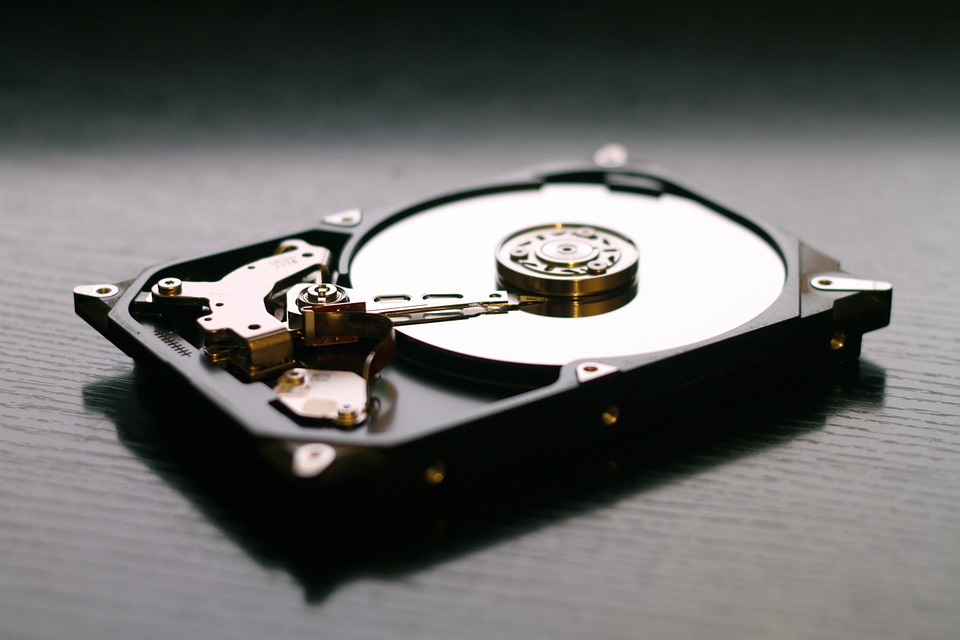
A company's productivity depends on many factors, but one of the most important is... computer speed. If your computer slows down, it can become your worst nightmare, as it will waste your time and also test your patience.
How to achieve maximum smoothness on your PC?
Uninstall apps you don't use
Keep your desktop clean, with as few documents as possible, and all of them organized into folders, never loose. We recommend leaving only the Recycle Bin visible and storing the rest of your documents in internal folders or a single folder on your desktop.
Control which applications run at startup
Since many of these programs run automatically when you start your PC, this can slow down your computer's boot time. Press Ctrl+Alt+Delete and select "Task Manager," then "More details," to access this information. The word "Startup" will appear in the top row, and that's where you'll find the list of all these applications.
Install a antivirus quality
This will allow you to keep your computers secure. You can always count on the intervention of a company specializing in computer maintenance and security.
Free up hard drive space
By typing "cleanmgr" in the Start menu and clicking on "Disk Cleanup", clicking on "Run as administrator" and following the instructions.
Defragment your hard drive
Open the menu and type "defragment," then select "defragment and optimize drives" and choose the hard drive you want. Next, click the "analyze" button and then the "optimize" button.
Change your PC's power plan
Another measure you can take is to go into your computer's "Control Panel," then to "Hardware and Sound," click on "Power Options," and select "High Performance" to maximize speed.
Fewer visual effects
Go to "Control Panel" and open the "System and Security" category by clicking on "System" and then "Advanced system settings." When more tabs appear, click on "Advanced" and then "Performance settings." When the "Performance Options" window opens, you will automatically see the "Visual Effects" tab, where you can remove any effects you don't need.
To achieve these and many more actions to restore your PC to maximum fluidity, it is best to hire the services of a company specializing in computer maintenance and security, which will carry out all these changes on your computer, restoring the fluidity and effectiveness it had when you bought it.
