
WHAT IS HARDWARE?
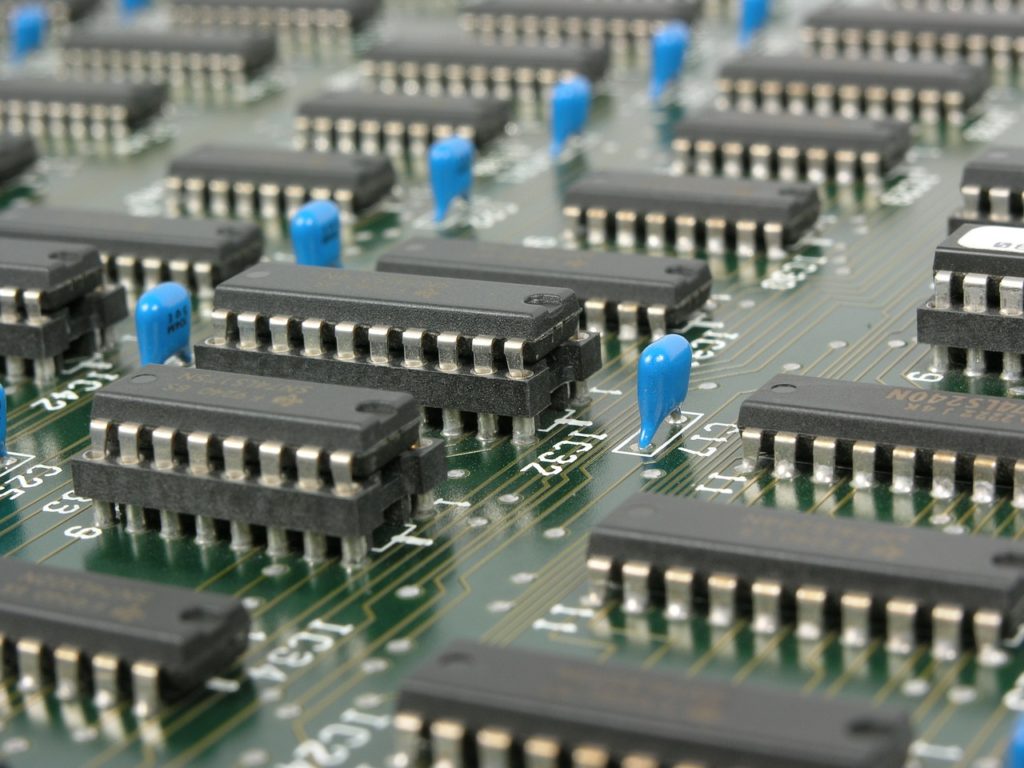
Hardware refers to the physical components that make up a computer or computer system. In other words, it includes the physical parts of an operating system, such as its electrical, electronic, electromechanical, and mechanical components, and any other physical element involved. All of these are part of the hardware. It's the visible part of the computer, all the components of its physical structure, such as the screen, keyboard, tower, mouse, etc. Hardware includes internal physical components (hard drive, motherboard, etc.) and peripherals, such as printers.
We can distinguish between basic hardware, which is the device necessary to start the computer (devices required for the computer's operation), and complementary hardware, which performs more specific functions. In the latter case, it includes all the components or accessories that the computer has but are not essential for its proper functioning.
For hardware to function correctly, it needs software, which is where the electronic components reside. With the combination of software and hardware, the computer can operate perfectly.
Four generations of hardware
Hardware has undergone an evolution marked by the technological advancements of each era. We can divide it into four distinct generations.
- 1st generation (1945-1956). The first calculating machines operated using vacuum tubes.
- 2nd generation (1957-1963). Electronics using transistors, reducing the size of computers.
- 3rd generation (1964-present). Integrated circuit electronics, printed on silicon chips.
- 4th generation (future). These will be devices that go beyond silicon chips and venture into new computing formats. There is much speculation about this.
What does hardware consist of?
- CPU; It is responsible for processing data and controlling all processes.
- RAM memory; It is the system's "working" memory, the one used at any given time for the execution of applications.
- Storage units: Devices intended for the storage of system or user data.
- Motherboard; The central axis, skeleton or support to which the electronic components of the computer are connected.
- Power supply; The one that supplies electricity to the various circuits of the electronic device to which the PC is connected.
- ROM Memory (Read Only Memory); Read-only memory, meaning the recorded data can be read but cannot be modified by the user.
- Cache Memory; It could be defined as a high-speed storage system.
- Hard Drive (Hard Disk Drive, HDD); Through a magnetic recording system, it becomes a digital file storage device.
- Monitor, keyboard, mouse.
Types of Hardware
We can classify hardware into 6 categories:
- Processing: These are the elements that form the heart of the system or computer, that is, its mechanical capacity to perform logical operations.
- Storage: These are the elements that allow you to save information and retrieve it later, either on internal machine storage or removable and portable storage.
- Input peripherals: These are devices with a specific function, integrated into the machine or removable, that allow information to be entered into it.
- Output peripherals are devices with a specific function, integrated into the machine or removable, that allow information to be extracted or retrieved from it.
- Input and output peripherals: Devices that combine the input and output of information from the system.
In short, hardware refers to all the physical components of a computer and is essential for its operation, always working in conjunction with the software. Hardware is used in computers and electronic devices, extending its functions and capabilities not only to computers but also to cars, phones, cameras, and more.




