
Our news
Windows 10 is Microsoft's most secure operating system
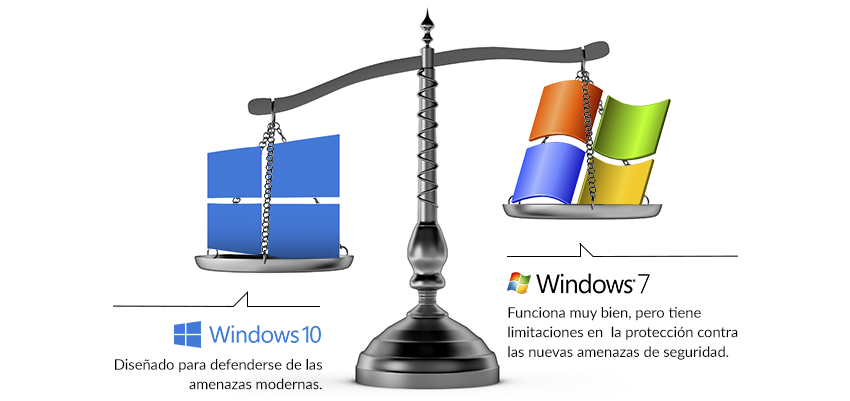
Despite Windows 7 While it has been the most successful operating system with the largest number of users in Microsoft's history, the reality is that it currently does not provide the necessary level of protection against new threats. security. Below we detail a comparison of the security features between Windows 7 and Windows 10.
Identity protection
Windows 7 It needs to be complemented with current multifactor solutions, and these are often complex and expensive. Conversely, Windows 10 has Microsoft Passport, which is an alternative to multi-factor password tools that is easy to use and implement.
The attacks of phishing through user passwords are becoming increasingly fruitful if we use Windows 7. Windows 10 use Windows Hello which uses biometric features that provide a more secure mechanism for accessing the device, to Microsoft Passport, to applications, data and online resources.
Through attacks pass-the-hash, They can steal our identities, penetrate networks, and bypass protection measures. Windows 10 with Microsoft Azure Active Directory It is a comprehensive solution for managing access and identities in the cloud.
Data protection
BitLocker in Windows 7 It provides configurable and optional services for encrypting our disks. Windows 10 BitLocker It contains many improvements and is very easy to manage.
With Windows 7 Preventing data loss requires the use of additional software from other manufacturers. Enterprise Data Protection It covers the needs of data loss prevention in Windows 10.
Resilience in the face of threats
With over 300,000 new threats emerging daily, attempting to block them using detection mechanisms is a losing battle. Windows 7, Furthermore, many malware threats affect users before detection-based antivirus programs can detect them.
Device Guard, of Windows 10, It forces applications to prove they are trustworthy before they can run, and we can safely say it's the most effective malware resistance feature Microsoft has ever provided for the desktop.
Device security
In Windows 7 Malware can hide in the hardware or the operating system, and there's no way to verify its integrity once it's been compromised. Once infected, there's no guarantee that the system's defenses will function without being tampered with.
He UEFI Secure Boot in Windows 10 It helps prevent malware from embedding itself in the hardware or starting before the operating system, and maintains the integrity of the other operating system components.
After reading this post, we have another reason to fully trust the latest operating system released by Microsoft.
