
Our news
Why do you need a security policy with the BYOD work system?
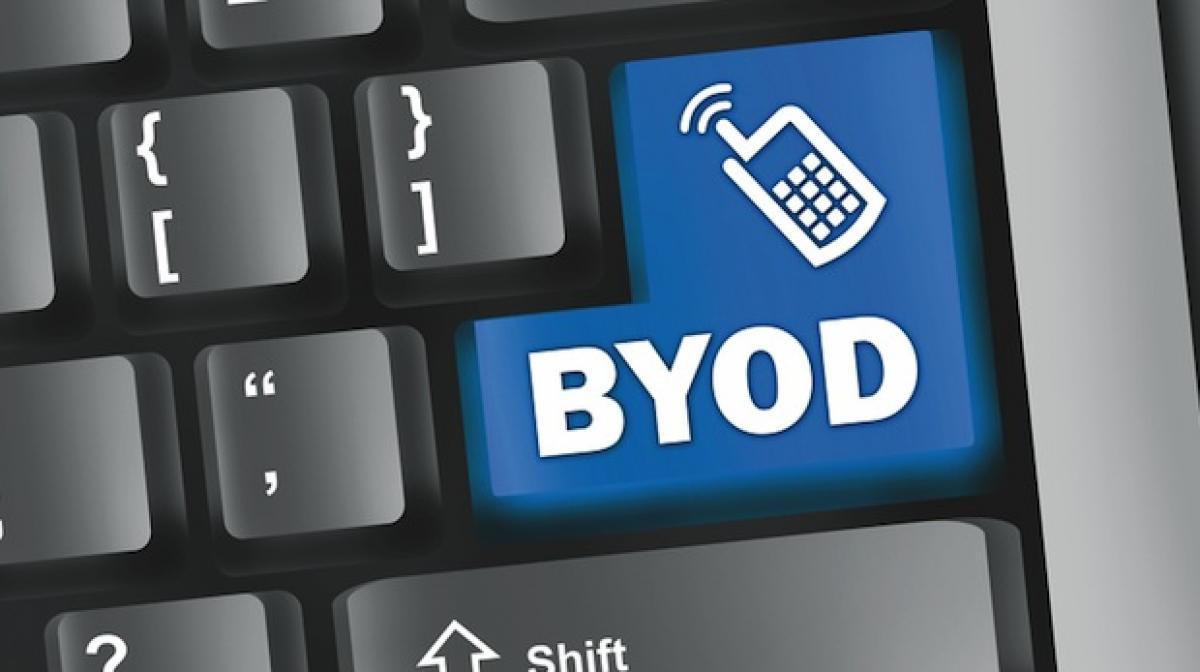
BYOD (Bring Your Own Device) means “bring your own device”, referring to an increasingly common trend in the business world, where employees can bring their own devices and use them to access the resources offered by the company.
BYOD becomes the best way to unify all smart devices into one, so as not to duplicate similar tools.
BYOD is a perfect tool for remote work
Connecting with your own laptop, centralizing your company's information on your smartphone so you don't have to carry two phones, or accessing the corporate network from home are just some of the advantages of BYOD. This represents a significant step forward in having all the information you need on your device, which you can access both at the office and at home.
But… what risks might this new way of working present?
What happens if we lose the device or equipment containing company information? What if someone steals or sees one of our passwords? What if we connect to an unsecured public Wi-Fi network and someone copies our information? What if geolocation is left enabled and they know our location at all times? What if we install any app from the network for home use and a virus or malware is installed that locks our device or spreads to the company network?
BYOD can be very useful, but also very dangerous, because devices can be shared for professional and domestic tasks. However, if we establish a reliable security policy, we can mitigate these potential risks, allowing us to work safely and take full advantage of this new technology.
The security policy
The security policy is a set of rules with restrictions and permissions established for all personal devices to ensure the safe use of this tool for business purposes. This document will include usage restrictions, categories of applications that can be installed, websites where browsing is prohibited, connections that cannot be used, and so on. While not all of it will be prohibitions, it will also offer preventative usage recommendations, fostering a user culture where everyone is informed about potential risks and adopts prudent behavior and work habits to avoid the aforementioned dangers.
What can we do as system administrators?
- We can establish a policy of authorized applications for users to use.
- Create an official repository for the organization in the cloud, to ensure control of information and also the security of access
- Make backups in the cloud regularly, according to the variation in information, and with a versioning system to access in case of occasional loss.
- Enable data encryption on mobile devices
- Having an efficient antivirus
- Control which devices we have with an MDM, so that it helps us in case of loss with location or deactivation or deletion of information.
- We must ensure complete perimeter security of the network and use secure connections such as VPN virtual private networks on mobile devices.
For more information, please contact us.
