
Our news
Where the antivirus doesn't reach…
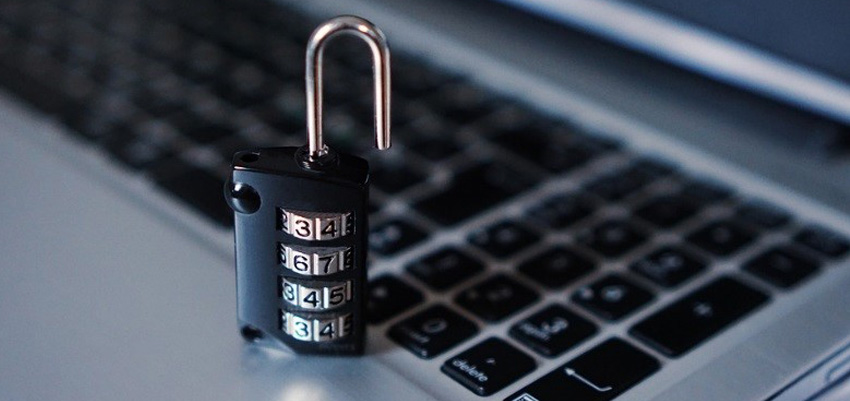
The cybersecurity It's in the spotlight; users are starting to think that all the personal data they've uploaded to the cloud is in an inhospitable place, with the possibility of being hacked from one day to the next.
Digital jargon has become ingrained in our society with words like malware, cybercrime, or cyberattack—words that sound familiar but whose hidden dangers and how to deal with them remain unknown.
Measures to keep your PC safe
If we put some into practice maintenance tips, We will be able to browse the web safely, knowing at all times what is recommended and what is best to avoid, so as not to take too many risks.
- Download software from trusted sources; Avoid downloads from CNET or Softonic, because the installer that we download with the desired application usually includes crapwareThis packaging can range from hijacking our browser's search engine to tracking our searches, or even spying on our sensitive passwords such as banking information.
- Use a anti-spy program; that they can help us delve a little deeper into the search for potential threats.
- Use a good antivirus, which will protect our computer from all those viruses that want to enter.
- The program update It is an essential element to keep your programs secure; there is malware that can sneak into your PC without the antivirus being able to act.
- Use a good firewall, which will prevent malicious applications from connecting to the Internet.
- Another piece of advice is Do not use public WiFi networks Because your data can be easily intercepted, it's best to browse with the HTTPSSS protocol enabled.
- If you don't want your password stolen and your personal data accessed, you need to create different and secure passwords for all your important services, and you can even use different usernames. It also helps to... changing passwords periodically.
Control your social media profile
In your social media profiles There's too much personal information to risk not protecting it properly. Here you have it. some recommendations to avoid unpleasant surprises.
- To know and configure in detail the options of privacy
- Identify the functions and effects of each action
- Protect personal data
- Personally protect your data
- Maintain a proactive attitude in defending your own data
- Distrust from suggestions of unknown friends
- Change your passwords regularly
- Having different users on each social network
- Evaluate the attitudes and privacy conditions of the contacts
Apen, specialists in network security
Apen , specialist in IT services, They can help you solve all these problems. They are experts in the network security as well as antivirus, electrical protection of our equipment and a structured and certified network that guarantees uninterrupted work.
