
Our news
7 minutes to delete messages you should never have written
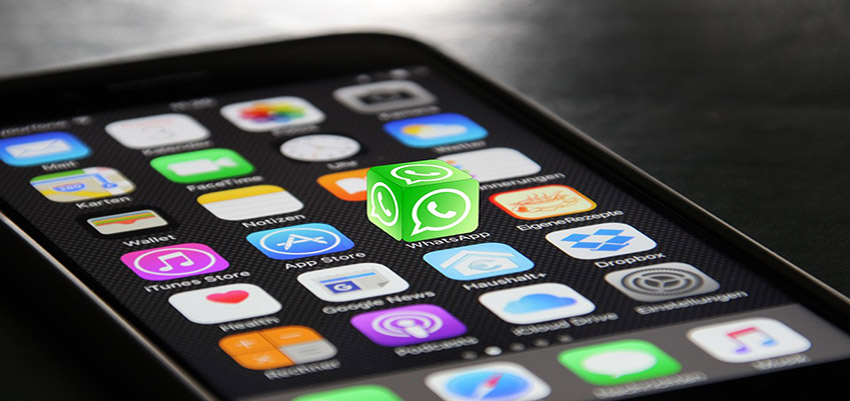
This is the time WhatsApp gives you to delete a message once it's been sent. You have 7 minutes to delete a message you've sent that you're not proud of. This is a great improvement and a useful alternative, giving you the chance to salvage situations where you've acted impulsively and then regretted it, but there's no going back.
This new WhatsApp feature allows us to correct mistakes, avoid arguments or misunderstandings, and even save social relationships.
But beware! After these 7 minutes this possibility disappears, so if you make a mistake, act as quickly as possible to delete the sent message.
Once you've deleted the message, the recipient will see a notification in the conversation that says, "This message was deleted." This way, the recipient will know you've deleted the message but won't be able to read what you wrote. This might give the recipient a reason to respond, but at least you'll be able to explain what you meant in a more thoughtful and refined way than the message you sent impulsively and suddenly.
But if you want the recipient to not know you've deleted the message, you'll need to press and hold the "delete for everyone" option in the menu. This way, you can select more than one message and delete them all at once, and the recipient won't see that you've deleted the message.
Another option is to delete messages you've sent or received, so you don't leave a trace on your phone. This way, you can delete messages you don't want on your mobile device, although the other person won't see any change. You can do this using the "delete for me" option.
Despite the seemingly limited privacy offered by these types of chat-based apps, privacy options are always available, which users should be aware of in order to decide what they want to share and what they don't. This way, users can choose what information they want to show their contacts, such as their last seen time, profile picture, or read receipts.
